What it does
Core capabilities at a glance
- 100% offline and private - no telemetry
- Built-in model download from HuggingFace
- Multi-model sidebar conversations
- Remote API backends (OpenAI, Anthropic, Groq)
- Local inference via Nitro (llama.cpp backend)
- MCP (Model Context Protocol) support for agentic capabilities
Deep dive
The full breakdown - performance, comparisons, and setup
Jan
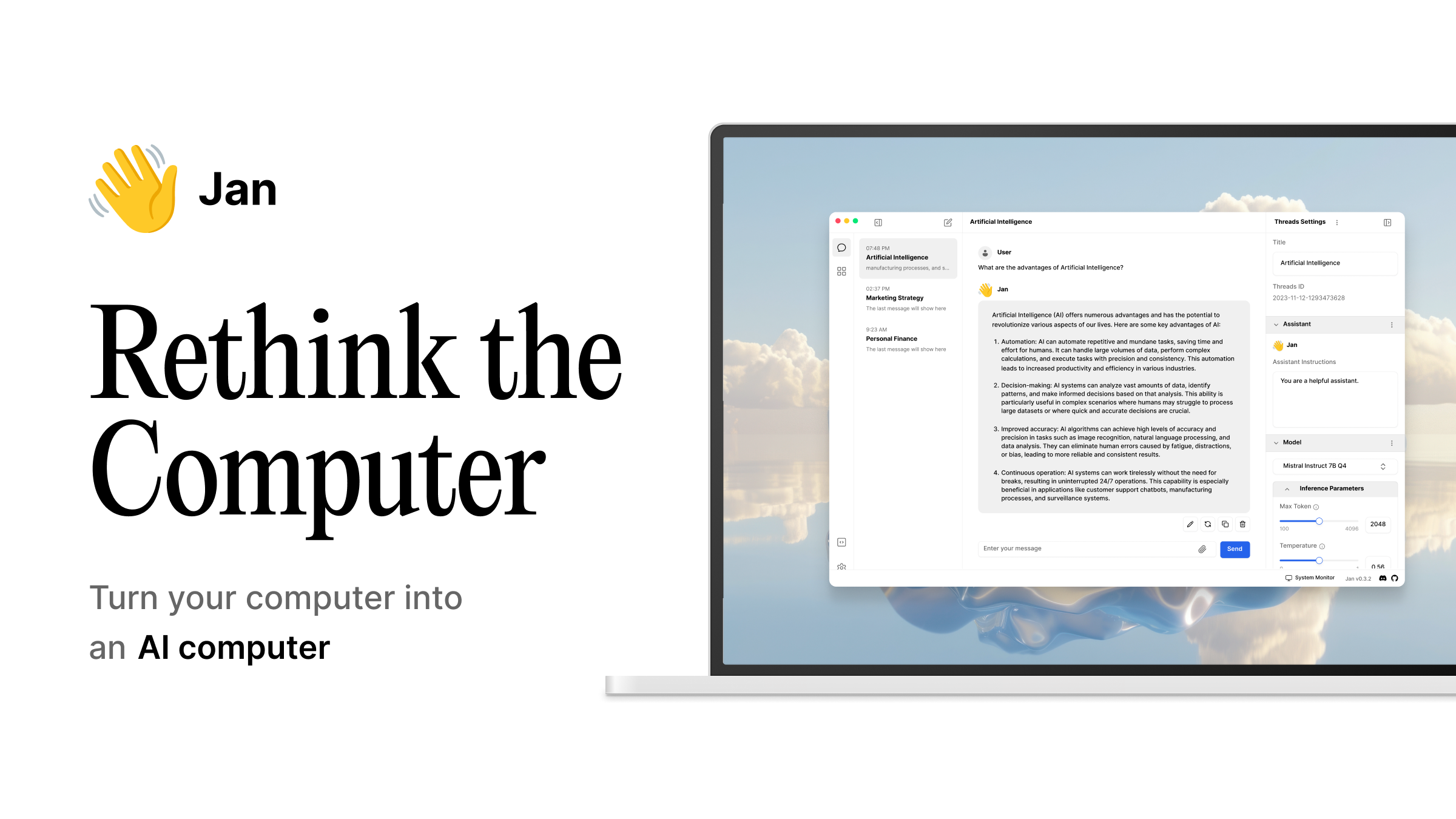
Jan is the closest thing to a local ChatGPT that your non-technical friends can actually install and use. It's a desktop application (Electron + Tauri) that bundles model downloads, local inference, and a clean chat interface into one package.
What it is
Jan is an open-source desktop application created by JanHQ that serves as a complete local AI workstation. It uses the Nitro inference engine under the hood (a fork of llama.cpp) to run models locally, but also supports connecting to cloud APIs like OpenAI, Anthropic, and Groq.
The key insight behind Jan is that most people want a ChatGPT-like experience, not a command line. Jan delivers that: install it, pick a model from the built-in catalog, and start chatting.
Why this matters
Jan fills the gap between "I want to run AI locally" and "I know how to use a terminal":
- Zero configuration: download the app, click "Get models," pick one, and chat
- Privacy by default: everything runs locally, no accounts, no telemetry
- Hybrid mode: use local models for sensitive data, switch to cloud models for complex tasks
- MCP integration: connects to file systems, databases, and APIs through the Model Context Protocol
Performance you'll see
Jan's performance depends on the Nitro backend and your hardware. Expect similar numbers to llama.cpp:
| Hardware | Model | Token Rate |
|---|---|---|
| Apple Silicon M4 Pro | Qwen3 8B Q4_K_M | ~40 tok/s |
| Apple Silicon M4 Ultra | Qwen3 30B Q4_K_M | ~25 tok/s |
| RTX 4090 | Qwen3 8B Q4_K_M | ~85 tok/s |
| CPU-only (any) | Gemma 3 2B Q4_K_M | ~15 tok/s |
How it stacks up
| Jan | LM Studio | Open WebUI | GPT4All | |
|---|---|---|---|---|
| Desktop app | ✓ | ✓ | Web UI | ✓ |
| Offline-first | ✓ | ✓ | Optional | ✓ |
| Multi-model chat | ✓ | Limited | ✓ | Limited |
| Cloud model support | ✓ | ✗ | ✓ | ✗ |
| MCP/agent support | ✓ | ✗ | ✓ | ✗ |
| Best for | Privacy-focused users | Power users | Teams | CPU-only users |
What runs on it
- All models from HuggingFace via the built-in catalog
- Remote APIs: OpenAI, Anthropic, Groq, and any OpenAI-compatible endpoint
- MCP servers for file access, web search, database queries
Get started
# Download from jan.ai or GitHub Releases
# Windows: Jan.exe
# macOS: Jan.dmg
# Linux: Jan.deb or Jan.AppImage

# Or build from source
git clone https://github.com/janhq/jan.git
cd jan
yarn install
yarn dev
When to use something else
- You want a web interface for your team: use Open WebUI with multi-user support
- You need maximum control over inference: use LM Studio or raw llama.cpp
- You have no GPU: use GPT4All - it's optimized for CPU inference
Frequently asked
Quick answers to common questions
What is Jan?
Jan is a chat-ui tool for local AI workloads. Open-source, offline-first ChatGPT alternative that runs 100% locally on your computer.
Is Jan free and open source?
Yes, Jan has 45,004 GitHub stars and is licensed under AGPL-3.0. You can self-host it for free on macos, linux, windows.
What platforms does Jan support?
Jan runs on macos, linux, windows.
What hardware do I need for Jan?
The hardware requirements depend on which models you run. Check our hardware directory for compatible GPUs and systems. Jan has 45,004 GitHub stars and an active community.
Does Jan support GPU acceleration?
Jan supports GPU acceleration via CUDA, Metal, or Vulkan depending on your platform. For the best performance, pair it with an NVIDIA RTX 4090 or 5090.
What are the best alternatives to Jan?
Popular alternatives include other chat-ui tools in our directory. Browse our full collection at /tool for comparisons, community reviews, and benchmark data to find the right fit for your workflow.
How much does Jan cost?
Jan is free-open-source. It is completely free and open source to self-host.
Pairs well with
Complementary tools, models, and hardware