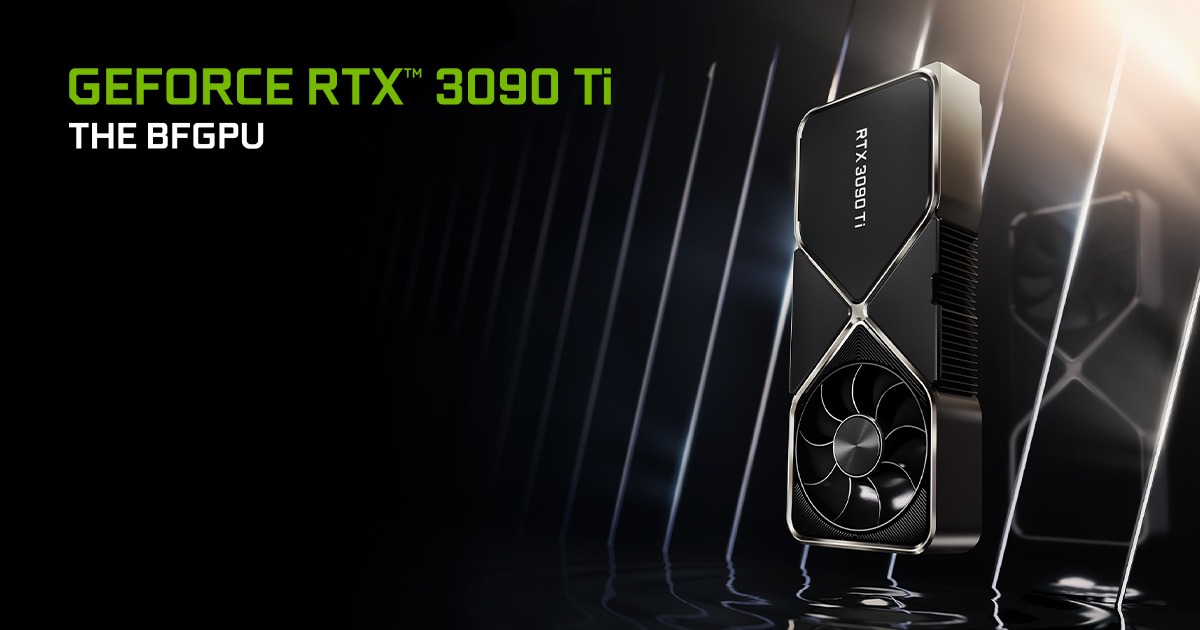
NVIDIA RTX 3090
Local inference speed
llama.cpp decode speed (tok/s) - measured
| Workload | tok/s |
|---|---|
| LLaMA 3 8B Q4 | 111.74 |
| LLaMA 3 8B F16 | 46.51 |
Measured - XiongjieDai/GPU-Benchmarks-on-LLM-Inference · updated 2026-10-19
NVIDIA RTX 3090
Short answer: In mid-2026, a used RTX 3090 at $600–800 is the cheapest way into "real" local AI - 24 GB VRAM, the same memory ceiling as the 4090, at roughly half the price. Lower throughput than a 4090 (about 70%), but the VRAM is what matters for what fits.
Quick verdict
The 3090 wins when:
- You want a single 24 GB card on a tight budget
- You're comfortable buying used (check warranty, run a stress test)
- You don't need cutting-edge image-gen throughput (the 4090 is much faster there)
If you can stretch to a used 4090 at ~$1,300, do it for the efficiency and longevity. Otherwise the 3090 is a no-brainer.
Real-world AI inference
| Model | Quant | Tokens/sec |
|---|---|---|
| Qwen3 30B | Q4_K_M | ~18 tok/s |
| Mistral Small 3 | Q5_K_M | ~50 tok/s |
| Llama 3.3 70B | Q3_K_M (offload) | ~7 tok/s |
| ComfyUI SDXL 1024 | - | ~14 s/image |
| ComfyUI Flux Dev | - | ~50 s/image |
Dual-3090 builds (where it really shines)
Two used 3090s = 48 GB VRAM for ~$1,400-1,600. That puts Llama 3.3 70B at Q4_K_M comfortably in VRAM, running ~16 tok/s - beating a single RTX 5090 for the same model.
Tradeoffs vs single big card:
- Power: 700W vs 575W (5090) - needs 1000W+ PSU
- PCIe lanes: most consumer boards do x8/x8 - fine for inference, slows fine-tuning
- Case fit: 3-slot cards, plan around airflow
- NVLink: still supported on 3090 (last consumer card to have it) - useful for fine-tuning
Spec breakdown
- VRAM: 24 GB GDDR6X
- Memory bandwidth: 936 GB/s
- TDP: 350 W
- PCIe: 4.0 ×16
- Slot count: 3-slot
- Power: 750W PSU minimum, 850W comfortable; 1000W+ for dual
Used market reality (June 2026)
The 5090 launch dropped 4090 prices, which in turn dropped 3090 prices:
- $600-750: well-cared-for cards from gamers, last 12-18 months
- $500-600: heavier use, verify thermals
- Under $500: probably ex-mining - risky, only if you can test in person
ALWAYS run a 30-minute FurMark + check VRAM temps under load. Bad VRAM is the #1 dead-3090 failure mode.
Honest alternatives
- RTX 4090 used ($1,200-1,400): 40% faster inference, better efficiency, longer life
- RTX 5090 new ($2,000-2,200): 32 GB VRAM, future-proof, expensive
- Dual 3060 12GB (~$500): 24 GB total but slower bandwidth, fewer model architectures support split-cleanly
- Mac Studio M4 Ultra base ($4,000): 64 GB unified, slower per-token, different tradeoff entirely
Frequently asked
Quick answers to common questions
How much VRAM does the NVIDIA RTX 3090 have?
The NVIDIA RTX 3090 has 24 GB of VRAM with 936 GB/s memory bandwidth. MSRP was $1,499.
What local AI models can run on the NVIDIA RTX 3090?
The NVIDIA RTX 3090 with 24 GB VRAM can run many models depending on quantization. Models up to ~36B params may fit at Q4_K_M. Use our VRAM calculator to check specific models.
Is the NVIDIA RTX 3090 good for local AI inference?
NVIDIA RTX 3090 is best for llm-inference, image-gen, used-build-value. With ample VRAM it handles most open models well.
Where can I buy the NVIDIA RTX 3090?
Check our buy links above for the best current prices on Amazon, Newegg, and B&H. Prices vary by retailer and availability.
How does the NVIDIA RTX 3090 compare to other GPUs?
NVIDIA RTX 3090 has 24 GB VRAM and 936 GB/s bandwidth. This puts it in the high-end category, suitable for most open models. Browse our hardware directory for side-by-side comparisons.
Is the NVIDIA RTX 3090 worth buying right now?
The current price is $750 vs the MSRP of $1,499. The price has dropped below MSRP, making it a good time to buy.
What power supply do I need for the NVIDIA RTX 3090?
The NVIDIA RTX 3090 has a TDP of 350W. This requires a high-wattage PSU (850W+ recommended). Always check the manufacturer's recommendations for your specific build.
Nearby options
Similar hardware and models that fit